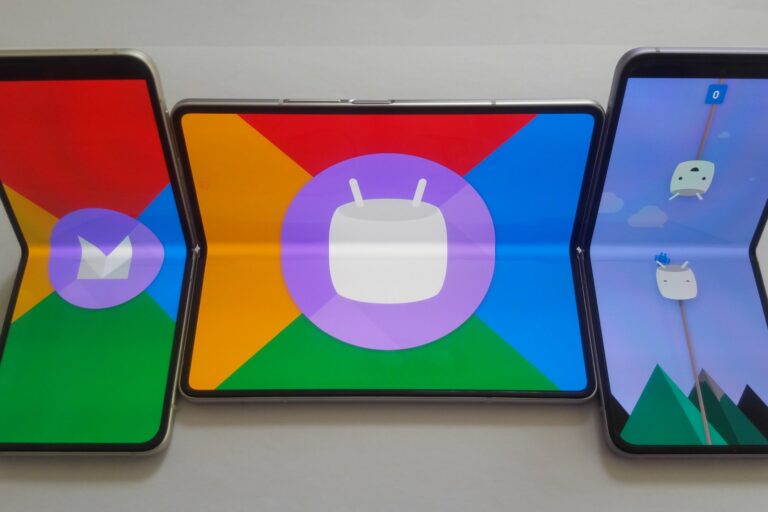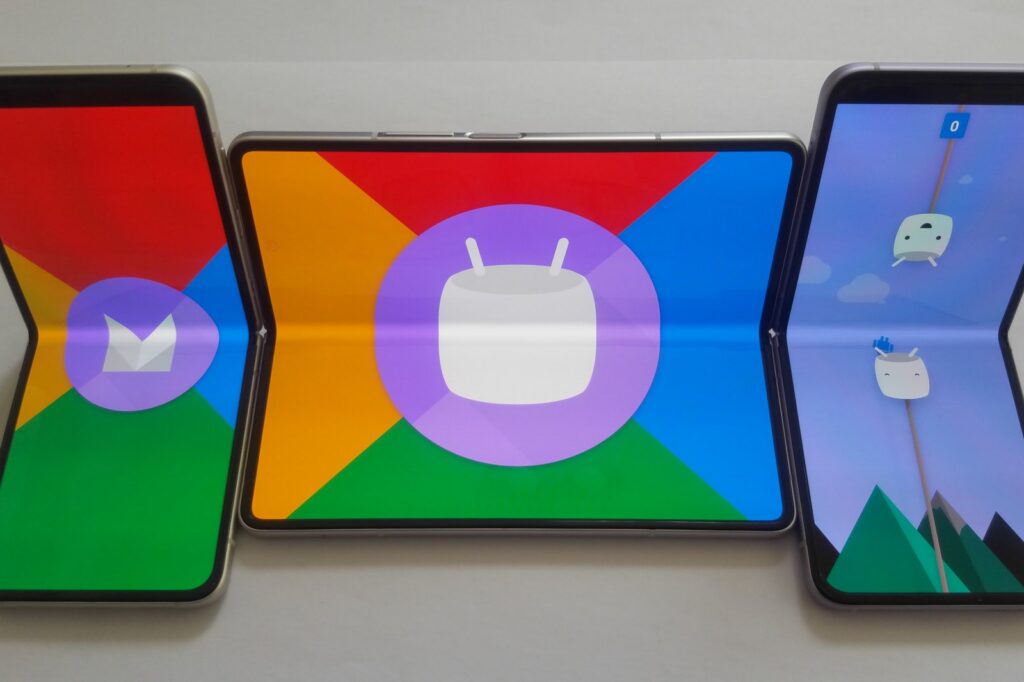
Google will require Android apps on the Play Store to meet a baseline large-screen quality standard by April 2027 or lose the ability to publish updates. Games face the same deadline in August 2027 with extra requirements for screenshots, scaling, and state preservation on foldables and tablets.
Why the Mandate Arrived Now
Google launched Android 12L in 2022 to encourage developers to adapt their apps for large-screen and foldable devices. Progress has been agonizingly slow. The company said it is no longer willing to wait for developers to improve at their own pace following the launch of the iPhone Duo. The requirement covers foldable phones, tablets, and computers running Android.
What the Baseline Standard Demands
Tier 1 compliance removes black bars and ensures apps properly use available screen space across different sizes, orientations, and multi-window environments such as Samsung DeX. Apps must preserve the user’s current state — media playback, scroll positions, and text input — when a device is folded or unfolded, rotated, or resized. The interface must adapt intelligently to the specific screen and use multi-pane layouts on large displays rather than stretching a phone UI.
Higher Tiers Unlock Store Benefits
Developers who go beyond the baseline can reach Tier 2 and Tier 3. These tiers reward better adaptation with Play Store badging, merchandising, and support for features like multi-pane layouts, controllers, and high-frame-rate rendering at 60FPS and 120FPS. Tier 3 also requires support for multiple app instances running side by side and modern, efficient graphics rendering.
What This Means for the Android Ecosystem
Android 17 arrived on June 16, 2026 as the latest version of the operating system. With 4 billion users worldwide, Android remains the most used operating system for smartphones. Most devices run Google’s proprietary version with Google Mobile Services, including the Play Store. The mandate targets the fragmented experience across foldables, tablets, and Android PCs — devices that share the same core but have long suffered from apps that simply stretch a phone layout.
Technical Scope for Developers
The guidelines do not specify individual API calls. They define behavioral outcomes: state preservation across configuration changes, multi-pane layout adoption, proper scaling across aspect ratios, and high-frame-rate rendering support. Developers building for Android 17 and targeting the Play Store will need to implement these patterns using existing large-screen APIs such as Jetpack WindowManager, sliding pane layouts, and activity embedding — tools that have been available since the 12L push but saw limited adoption.
Sources
- Google will force devs to optimize apps and games for Android foldables, tablets
- Android (operating system)
- The kiosk shift, part 5: Windows or Android? The decision is bigger than the OS
- Accelerating development for massive Git repositories
- I put Googlebook OS up against Phone Link in Windows 11, and this one's better for Android
- My top 3 minimalist Android launchers – and why they're better than your default – ZDNET
Photo: The photo: Own work
The logos: Google LLC (CC BY 3.0)