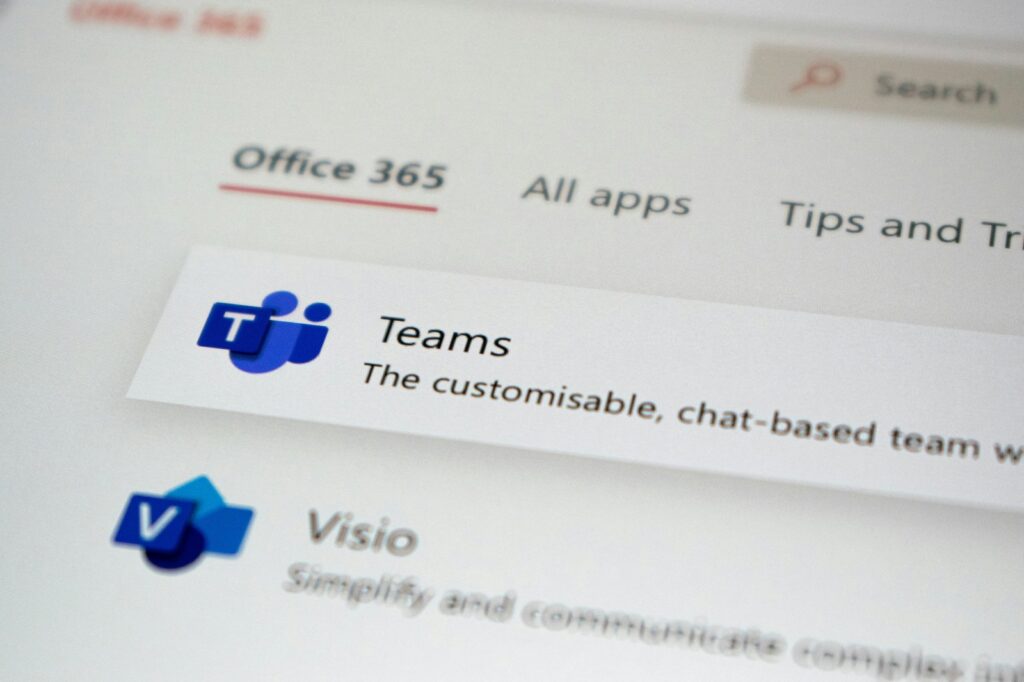
Picture a message from “IT Service Desk – Liam” landing in your Teams inbox. It looks routine. Here’s what it means when it isn’t: Arctic Wolf Labs says it has tracked a “recurring social engineering pattern” across hundreds of cases in which attackers use Teams’ external chat to pose as IT support and walk employees into handing over control of their computers. In some cases the end result was ransomware.
A Fake Help Desk, Built to Order
The attackers start by creating or acquiring new Microsoft 365 tenants. Between 30 and 40 percent of the cases Arctic Wolf investigated used an .onmicrosoft.com address, the permanent fallback domain Microsoft generates automatically for every new tenant. Because it carries Microsoft’s name, it looks less suspicious. Tenant names lean on help desk wording, such as corporateitservicellc.onmicrosoft.com.
Display names do the rest. Arctic Wolf saw “IT Service Desk – Liam,” “IT Service Desk – Matt,” “IT Service Desk – Scott” and “Business IT Solutions & Support (Internal).” Friendly first names and IT labels help the messages get around the warning Teams shows for outside users. More recently, some attackers add the target company’s own domain or name to the display name, so the contact feels expected.
There has also been a shift to paid domains. Of the paid domains Arctic Wolf identified in recent months, about 50 percent of the fake identities used .top, around 40 percent used a standard .com, and just over five percent used multi-level domains such as .com.pl, .com.vn and .com.br. The pattern matches the group tracked as STAC4749, which has a history of creating IT-themed cloud domains under .top and using believable employee usernames. Sophos has tied these attacks to the Chaos ransomware.
From Chat to Control
The scheme only works on organizations that allow external access in Teams. After the first message, the attacker phones the victim, a tactic known as vishing, and talks them into granting hands-on-keyboard access through a legitimate remote management tool. Arctic Wolf lists Quick Assist, AnyDesk, ScreenConnect, TeamViewer, Atera, Zoho Assist, NetSupport and LogMeIn.
Once inside, the attacker looks around, drops further payloads such as the GoGRPC backdoor, and moves toward domain controllers. Another remote tool, Level, may be installed as a backup. Then comes data theft and the ransomware binary.
In one case, the attacker had the user run a PowerShell command that pulled an MSI installer from Microsoft Azure Blob Storage. The installer launched a script that unpacked and ran a Python implant. That backdoor sent LDAP queries to Active Directory for all computer and user objects and passed the results to an external server.
Attackers also avoid pasting links into Teams, which would trigger Safe Links and ZAP scanning. They browse to the payload themselves during the remote session. That is why Arctic Wolf says endpoint and identity telemetry matter alongside message scanning.
Why It Works
“External Microsoft Teams chat has become an effective initial-access vector because it exploits trust rather than a software vulnerability,” Arctic Wolf said. Teams grew fast: Microsoft reported 44 million daily users in March 2020 and about 280 million monthly users by January 2023. The practical upshot is that a message from an unknown “help desk” should be checked through a separate route, such as a known phone number or the ticketing system, before anyone grants remote access. Organizations that do not need outside chat can switch external access off.
Sources
- Microsoft Teams
- Attackers Use Microsoft Teams IT Support Scams to Deploy Malware and Ransomware
- mobilezone redefines productivity with Microsoft Copilot Studio agents | Microsoft Customer Stories
Photo: Ed Hardie / Unsplash (Unsplash License)